How Do I Use Ready-Made Assistants?
1. The Ready-Made Assistant Concept
SkyStudio's next-generation ready-made assistant feature offers users a much more flexible and user-friendly experience. It now provides the ability to create assistants quickly and easily using pre-configured assistant templates for different departments and business areas.
2. Ready-Made Assistant Categories
Start using the enriched ready-made assistants in the left panel now. From the left panel, click the Ready-Made Assistant tab, and you can immediately start chatting with the assistant of your choice.
The SkyStudio platform offers customized assistant recommendations in the areas of Human Resources (HR), Marketing, Sales, Product Management, Finance, and Occupational Safety.
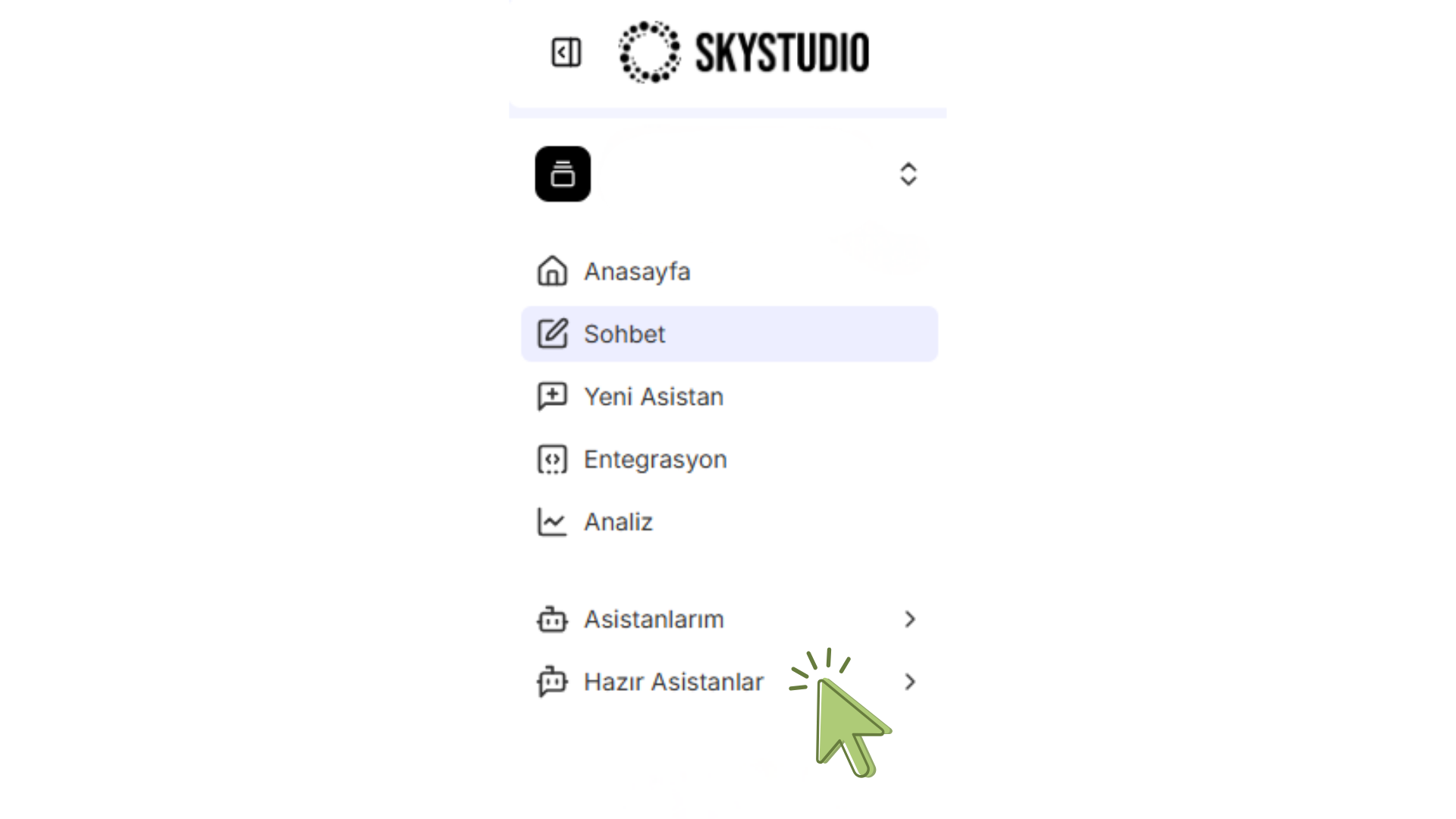
Features of the HR (Human Resources) Assistants:
- Managing staff application and interview processes
- Conducting employee performance evaluations
- Automating recruitment processes
- Recommending employee training and development programs
- Explaining company policies and procedures Features of the Marketing Assistants:
- Content generation (blog posts, social-media posts)
- Target-audience analysis
- Creating ad copy
- Preparing a social-media content calendar
- Conducting market-trend and competitive analyses Features of the Sales Assistants
- Customer relationship management
- Identifying customers with sales potential
- Providing product/service recommendations
- Preparing sales reports
- Analyzing customer feedback Features of the Occupational Safety Assistants
- Risk assessment analyses
- Explaining safety procedures
- Accident/incident reporting systems
- Creating training materials
- Legal compliance checks Use of the Assistants in the Finance Area
- Financial Data Analysis
- Customer Service Use of the Assistants in the Production Area
- Process Optimization
- Quality Control
- Maintenance and Planning
3. Ready-Made Assistants Among the Assistant Creation Options
How to Make Use of Templates When Creating a New Assistant in SkyStudio?
1. Click the New Assistant Link in the Left Panel Select New Assistant in the left panel. This will open a gallery of different ready-made templates for you.
2. Choosing a Ready-Made Template Among the templates that appear, choose the one most suited to your project's purpose. The templates are pre-configured for different sectors and use cases (e.g., customer service, marketing, sales).
3. Customizing the Assistant Edit the template you selected according to your own needs. The steps for customizing ready-made assistants and the steps for creating a new assistant are exactly the same.
If you have never created an assistant in SkyStudio before, during this process you can follow the steps on the How to Create an Assistant page.
Once you have completed your customizations, save the assistant.
Start chatting right away.
Note:
- If you want to design a completely original assistant, you can use the Blank Template option.
- This option allows you to build your own assistant from scratch. Conclusion: SkyStudio's new ready-made assistant system aims to simplify business processes by making AI technology accessible to every user. With its pre-built templates and extensive customization options, it maximizes the AI potential of businesses.