Uploading Documents to a Chat
How to Upload a Document to a Chat
There are three basic options for uploading a document while chatting in SkyStudio:
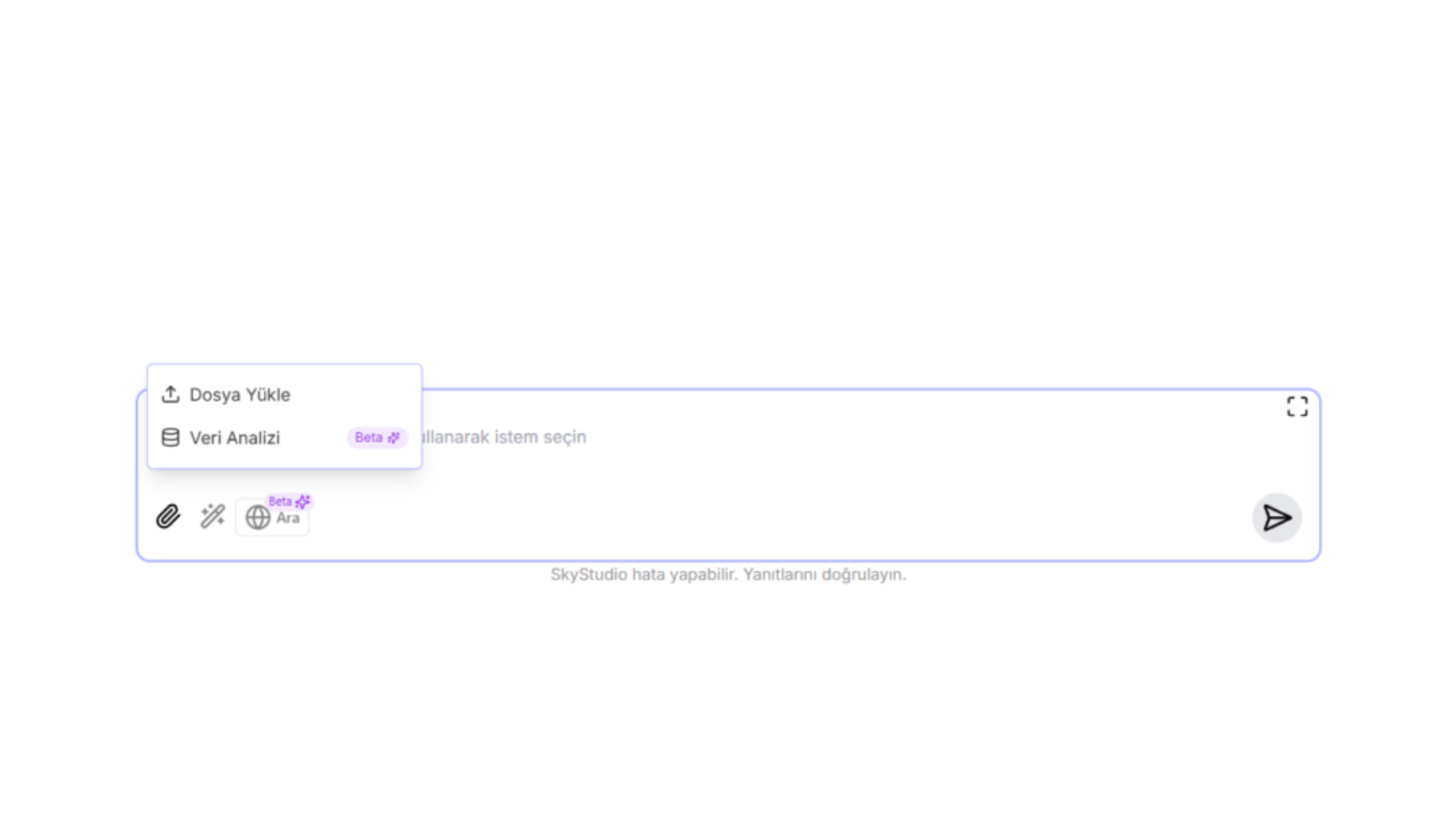
The options you can access from the "Add" icon in the central message area:
- Upload File
- Data Analysis Documents can be uploaded to the chat in 2 different ways.
1. Uploading a File to the Chat
- On the chat page, click the "Add" icon in the message bar
- Select the "Upload File" option
- Choose the document from your computer
- Complete the upload
Supported files:
PDF, DOCX, CSV, JSON, TXT, XML, YAML, XLSX, ODT, HTML, PPTX, ODP, ODS, JPEG, PNG, MP3
36
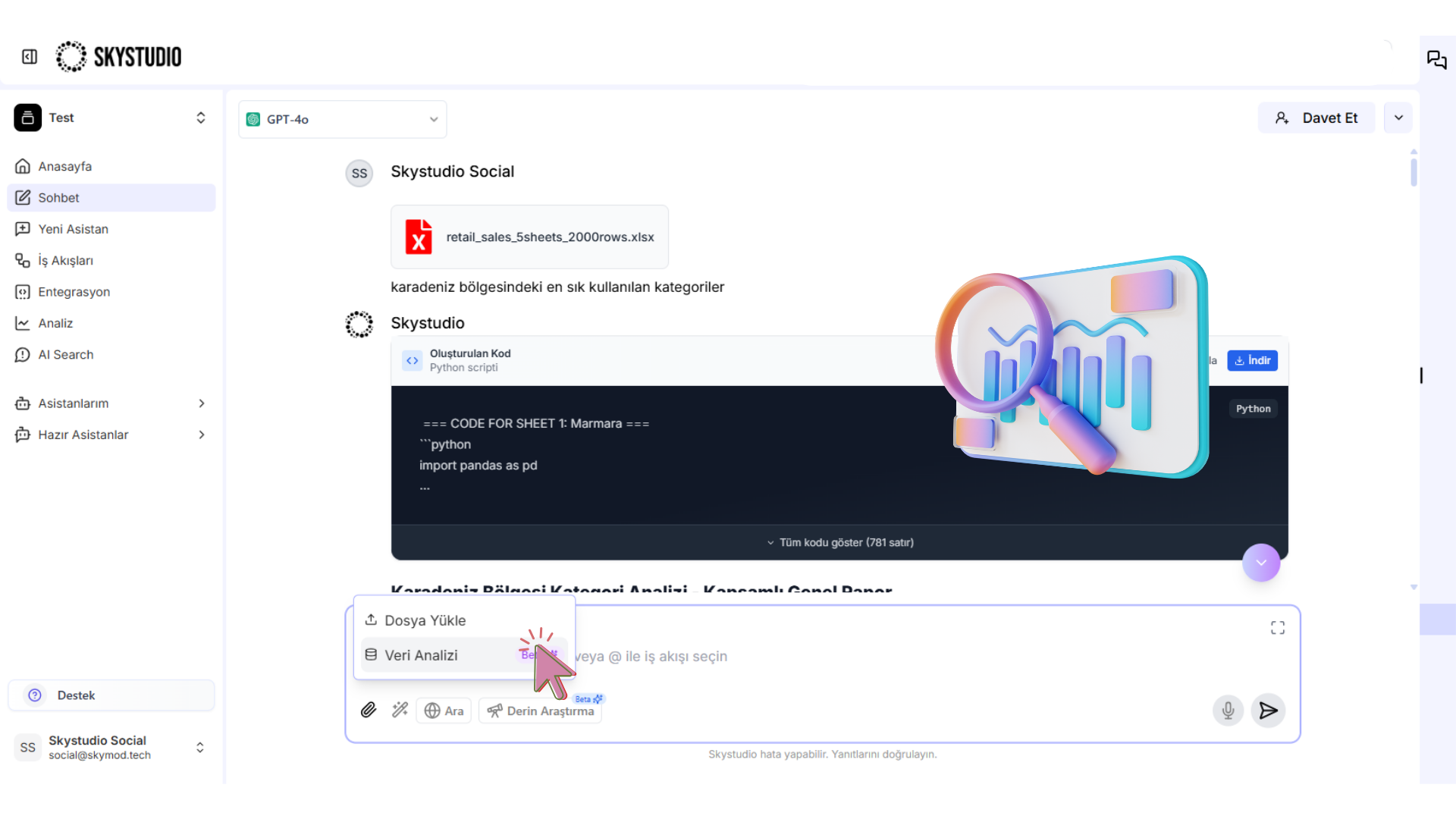
2. Data Analysis
- On the chat screen, click the "Add" icon
- Select the "Data Analysis" option
- Choose the data file you want to upload
- The analysis is started automatically by the system
Supported files:
DOCX, CSV, JSON, TXT, XML, YAML, XLSX, ODT, HTML, PPTX, ODP, ODS
37