Inviting Users to SkyStudio
Inviting Someone to a Chat
On the SkyStudio platform, you can follow the steps below to invite and manage users. These actions make it easier to collaborate with your team.
-
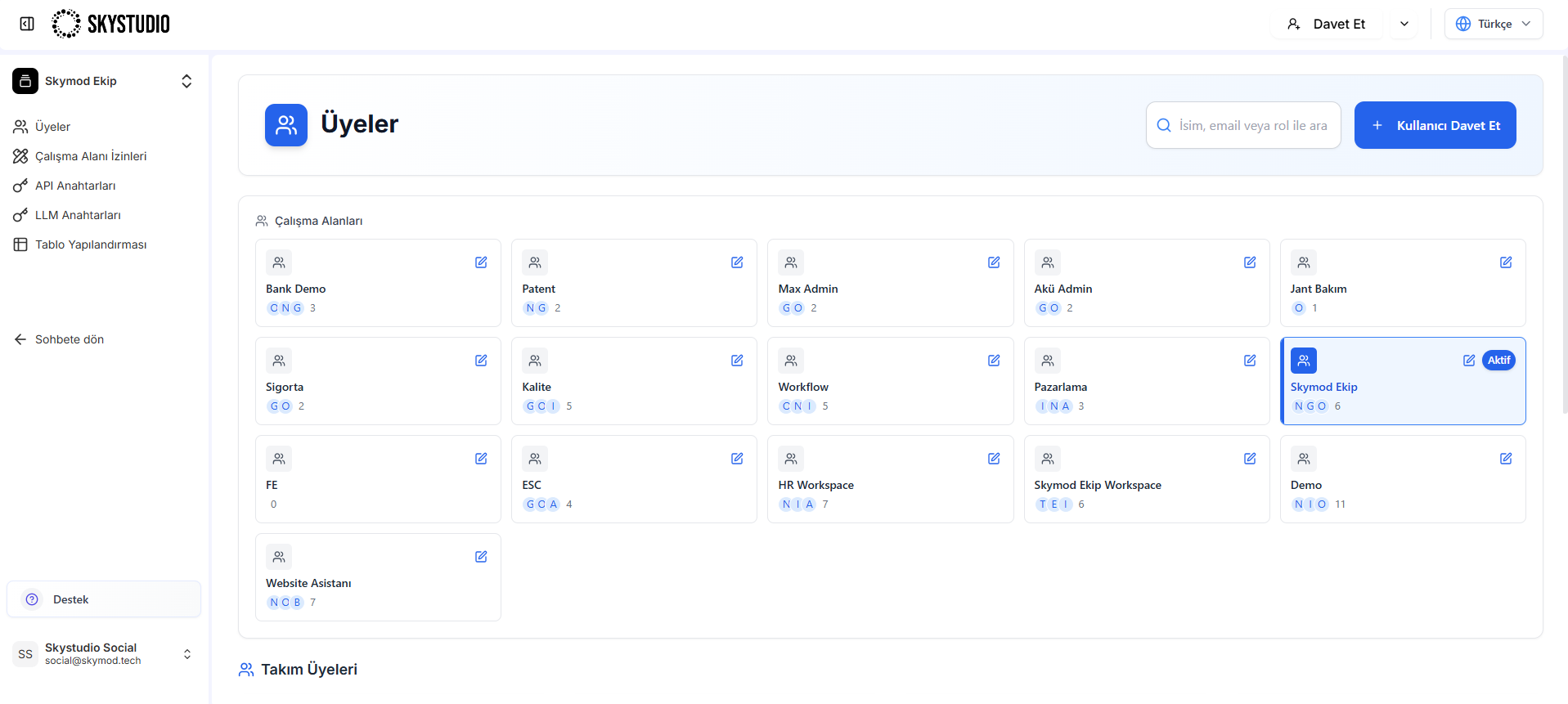
Click the "Invite" button in the top right
d1 -
In the panel that opens, switch to the "Members" tab and click the "Invite User" option
-
In the form that appears:
- Enter the email address,
- Select the workspace the user will be invited to,
- Set their role (Member, Manager, Admin).
- Complete the invitation by clicking the "Invite" button.
