Exporting SkyStudio Chat Data
Exporting SkyStudio Chat Data
On the SkyStudio platform, users can easily export the chat histories that suit their needs. Below is a guide on how to carry out this process.
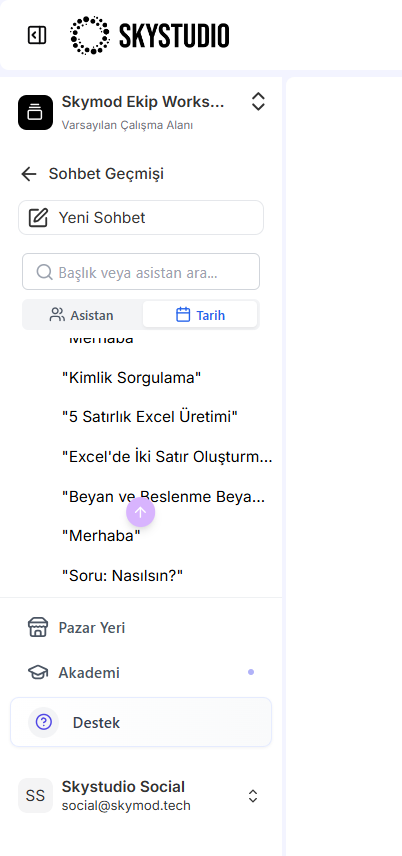
- On the main screen, click the three-dot icon to the right of the chat names in the left panel. This icon provides the options that let you download, delete, and rename your chat history.
- Managing the Chat Title:
- By clicking the chat name at the top of each chat, you can perform the following actions:
- You can change the chat's name.
- You can delete the relevant chat.
- You can export the chat.
104